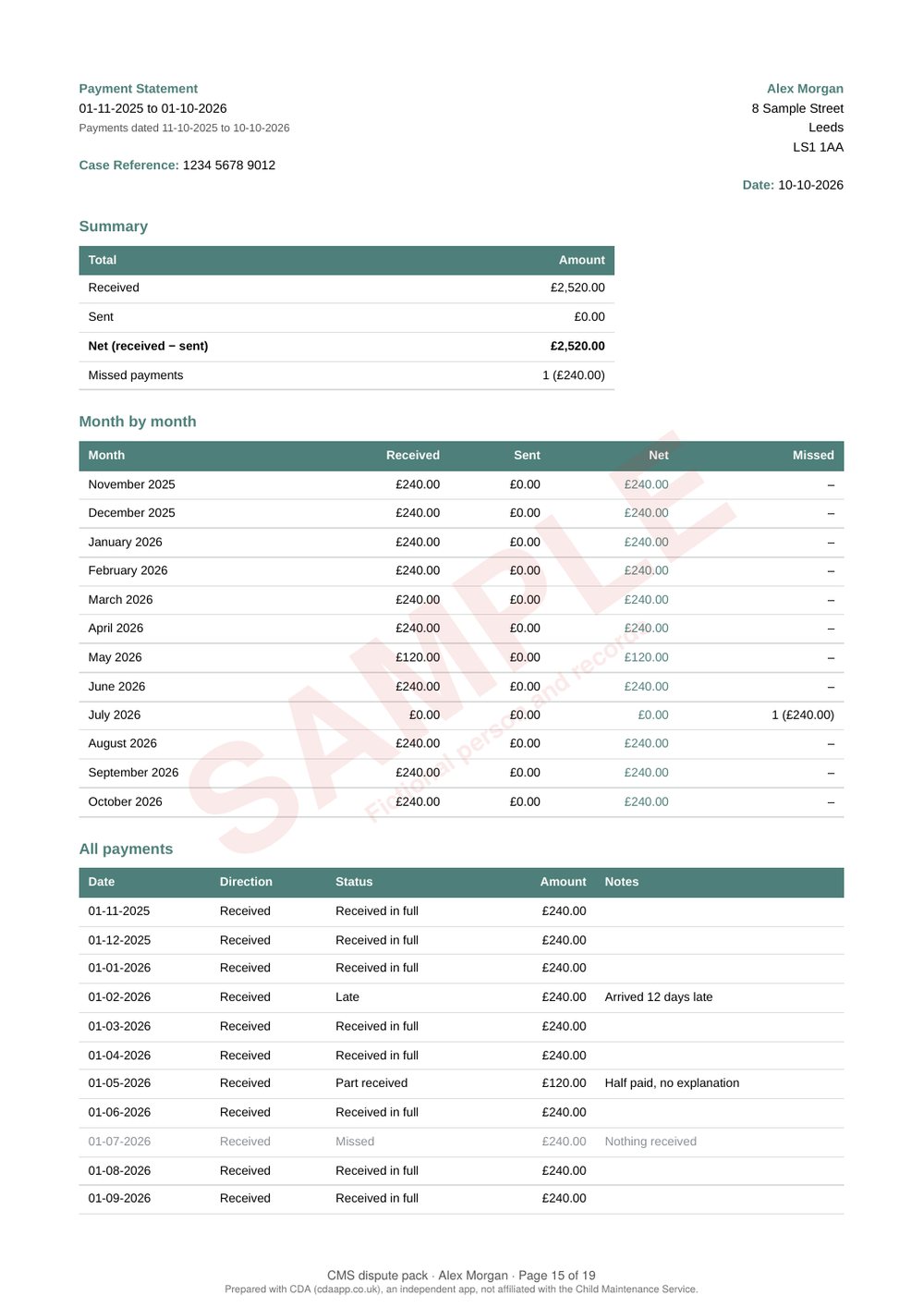
This is a sample. The parent, child and records are made up, and every page is marked "Sample". The full pack is 19 pages; this shortened version shows 9 of them, with most of the night-by-night childcare pages left out.
In CDA, open Case Manager → CMS dispute pack, pick the period your CMS decision covers, tick what to include and add a short statement. CDA turns your records and documents into one PDF with a numbered index, and a page number on every page, ready to send to CMS or a tribunal. It's made on your phone; nothing is sent anywhere until you choose to share it.
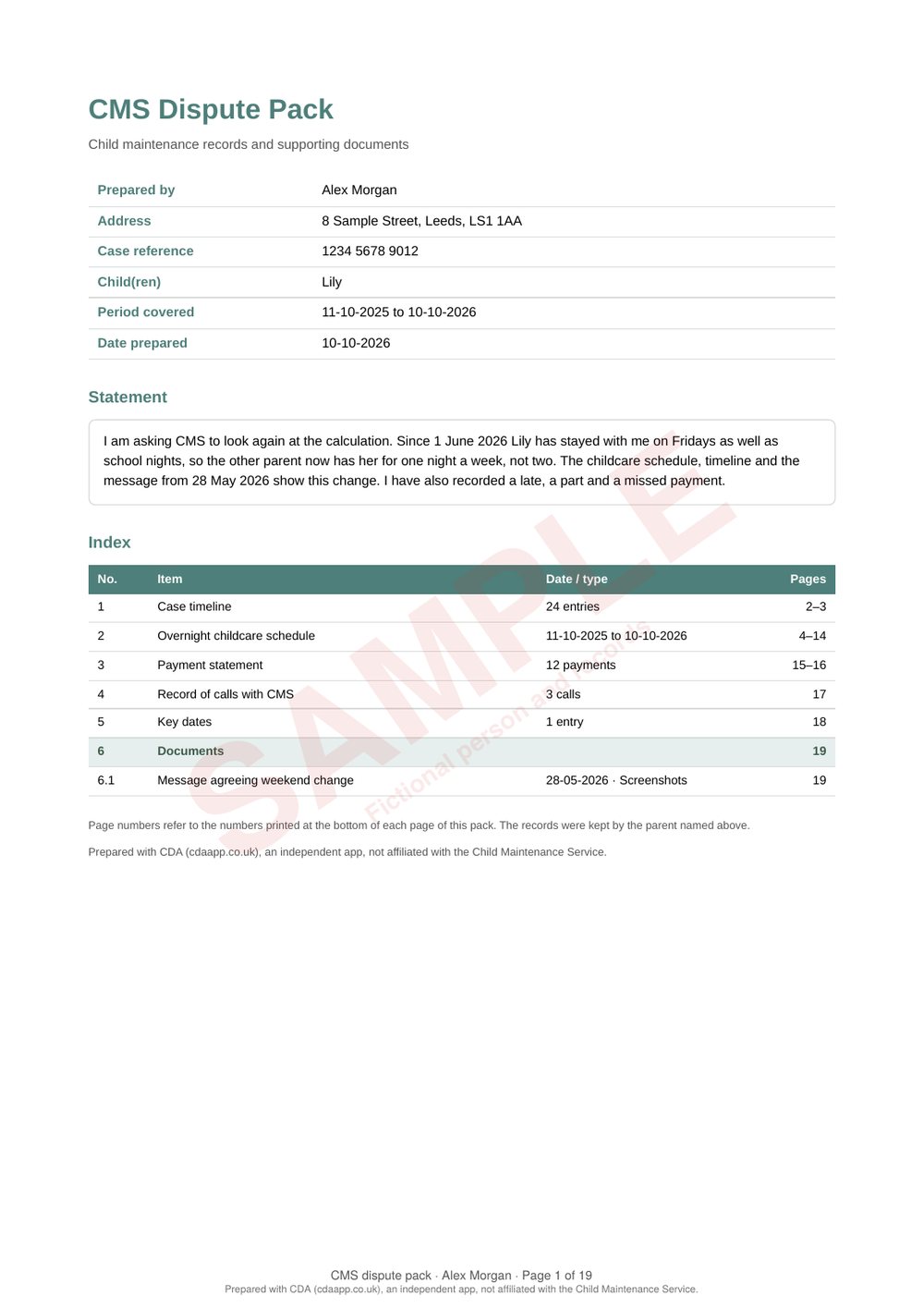
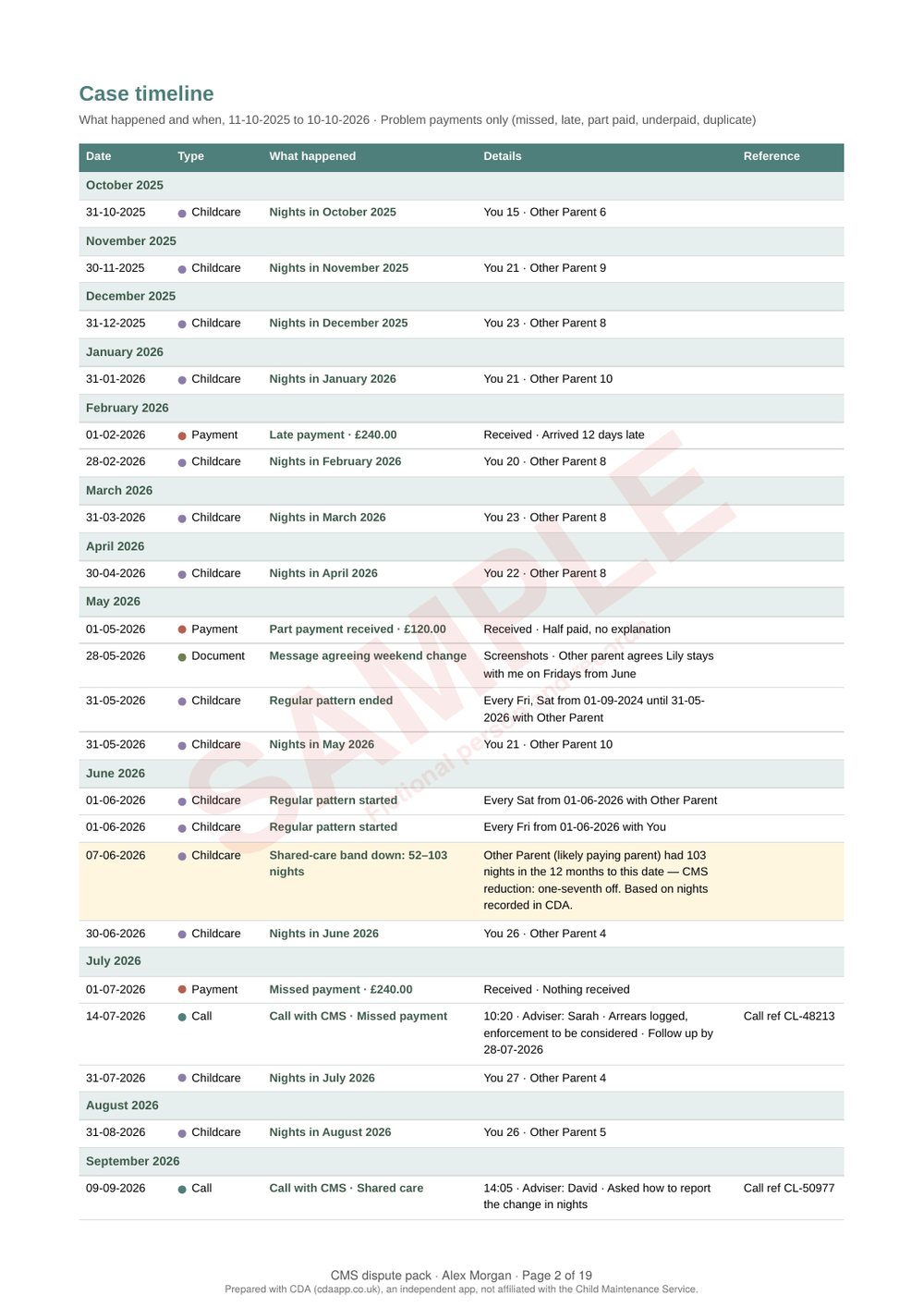
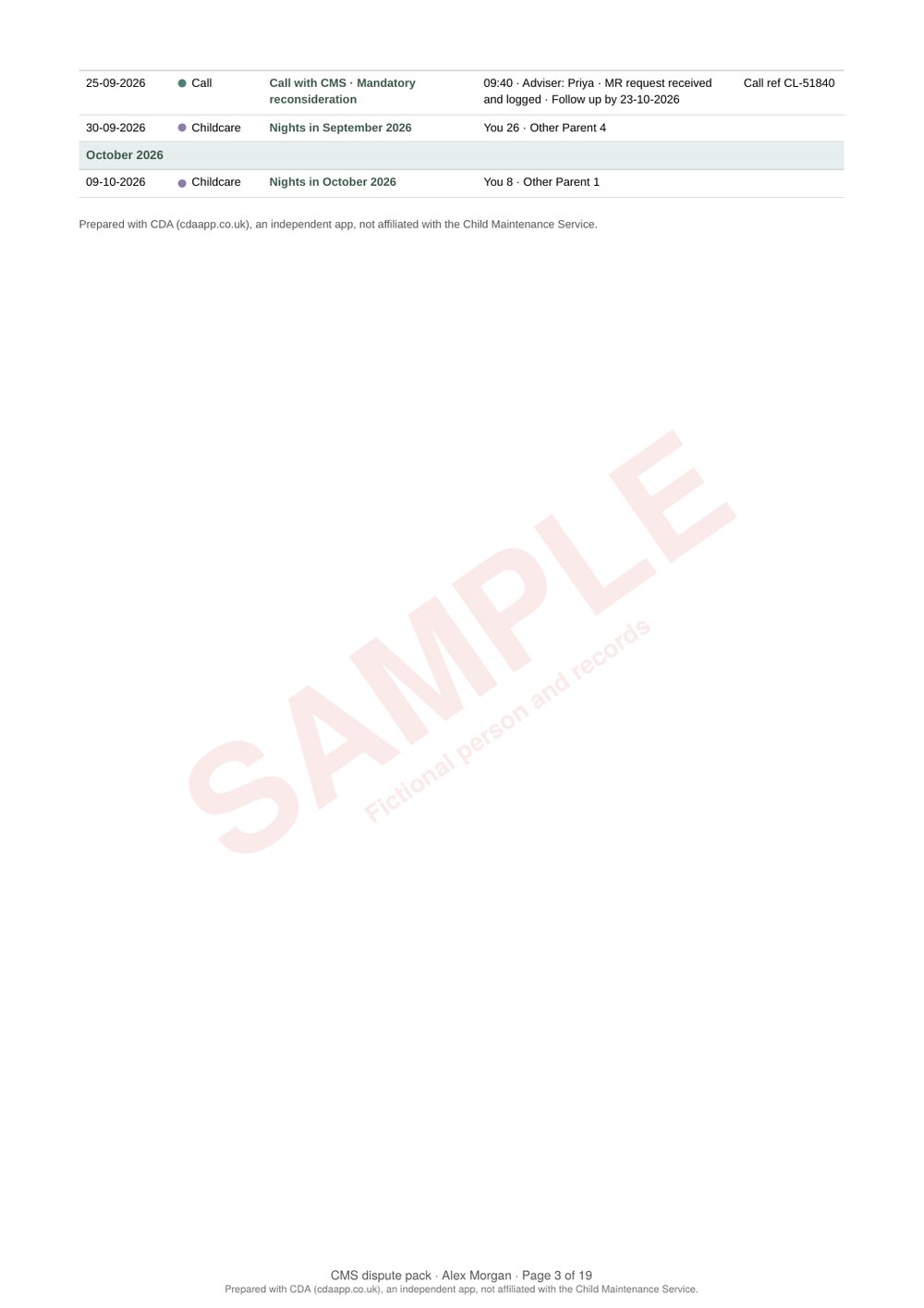
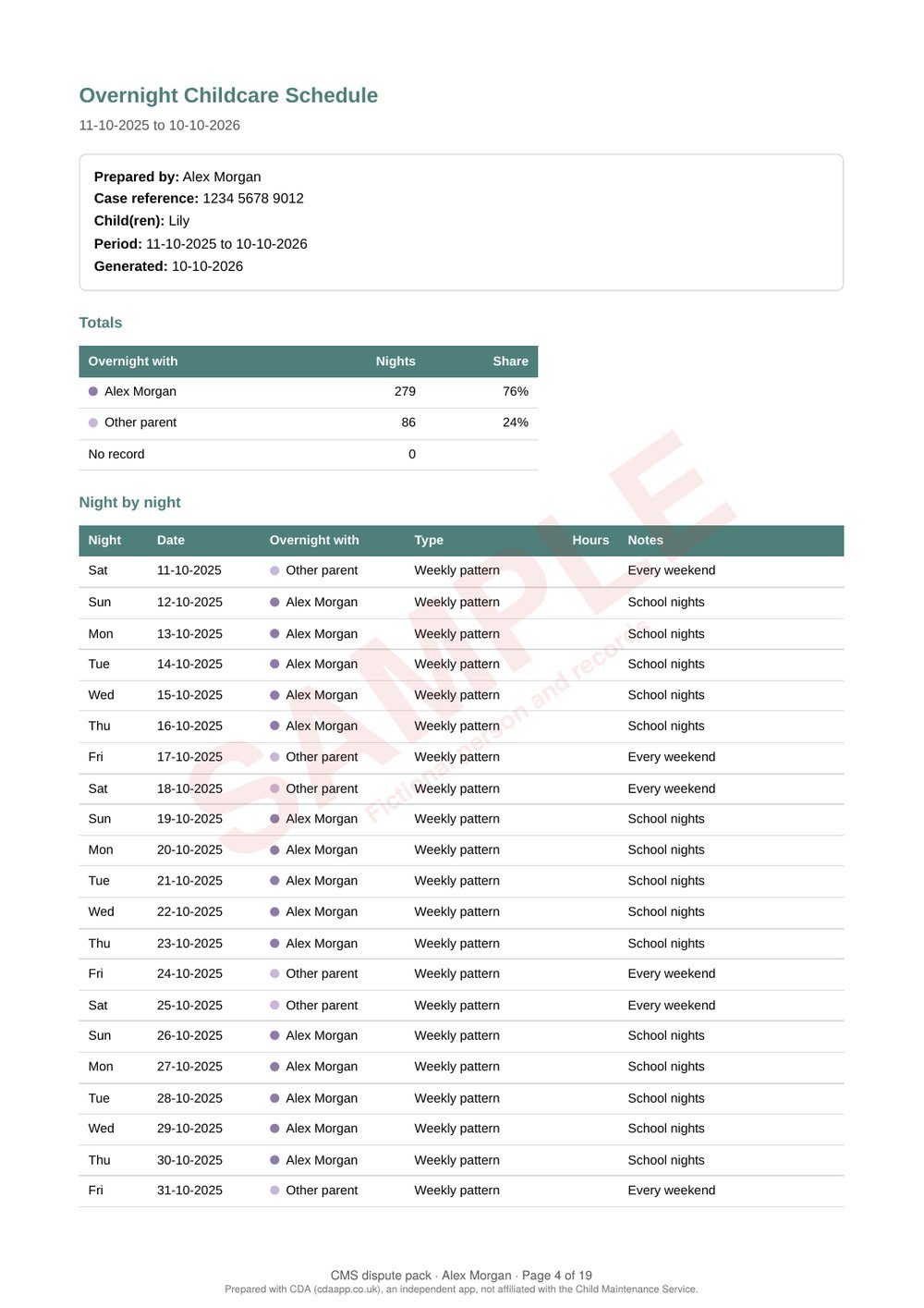
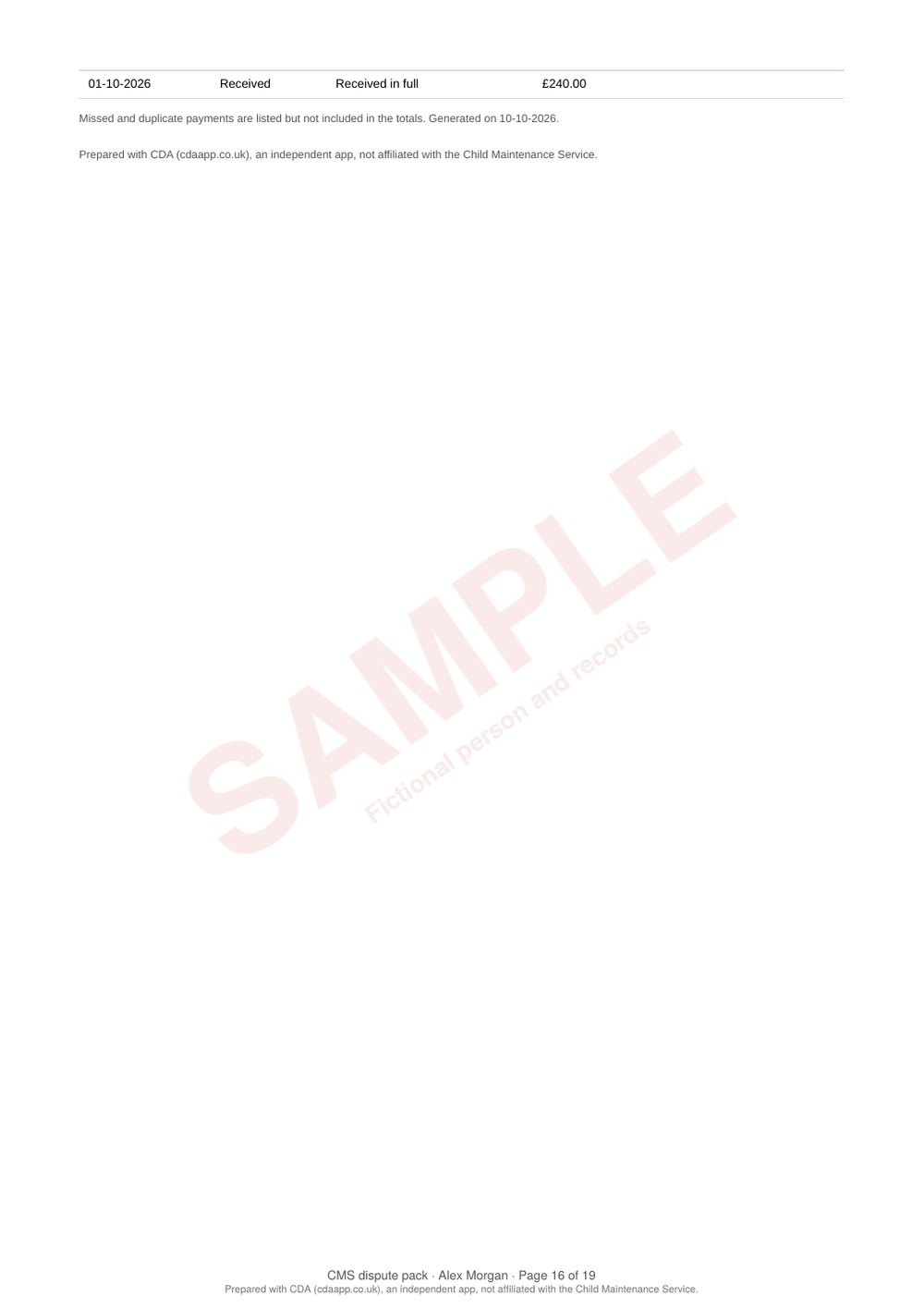
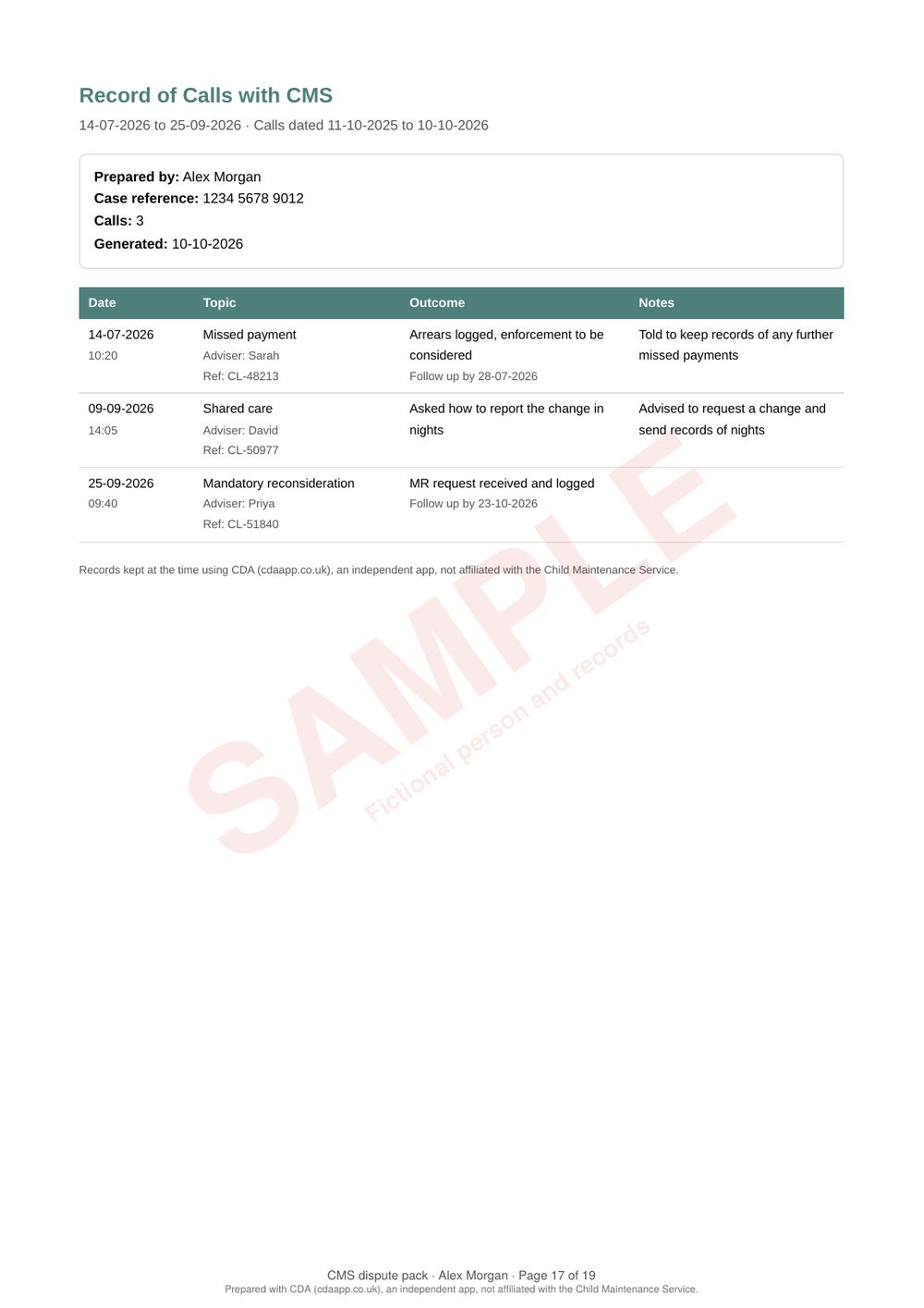
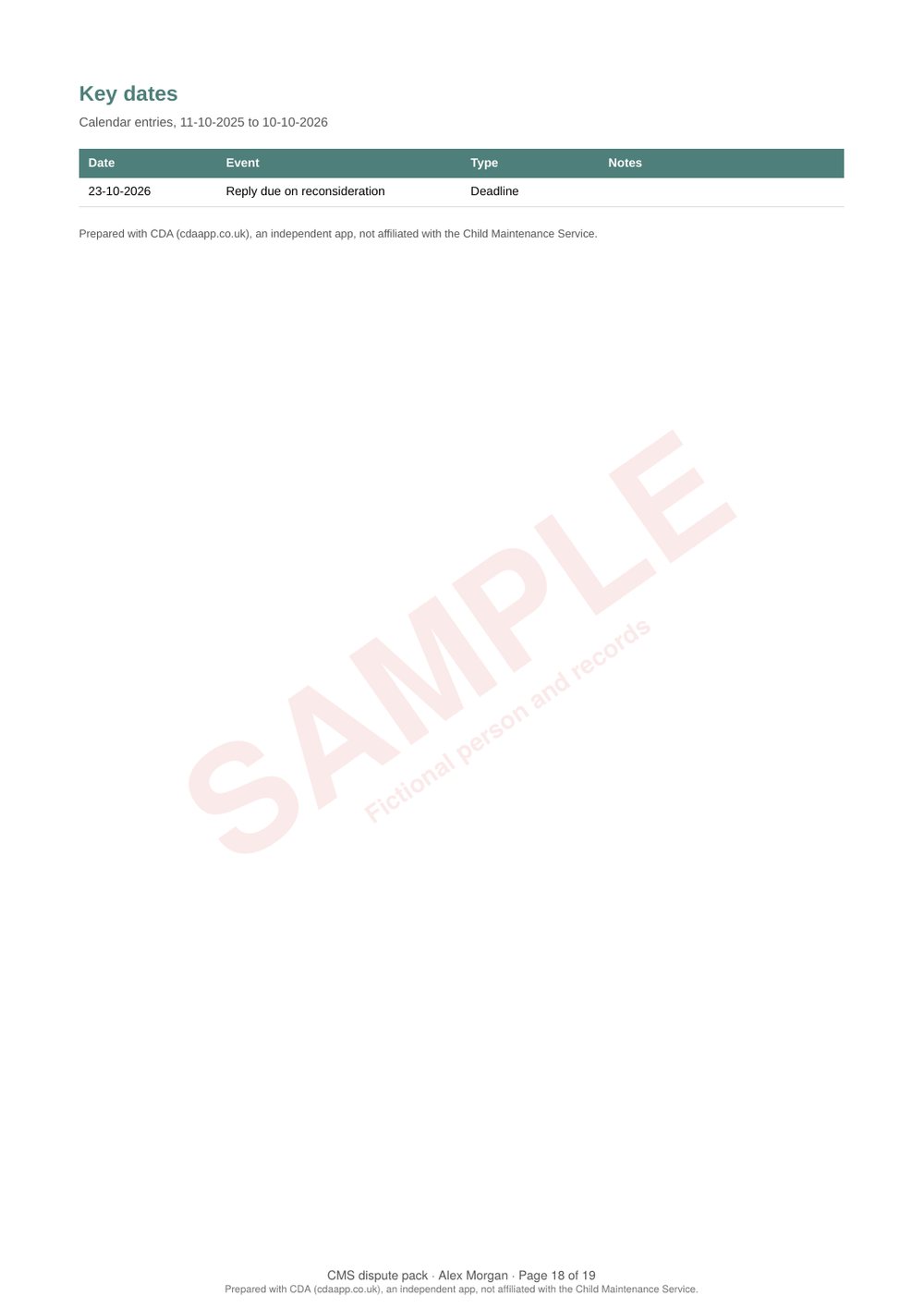
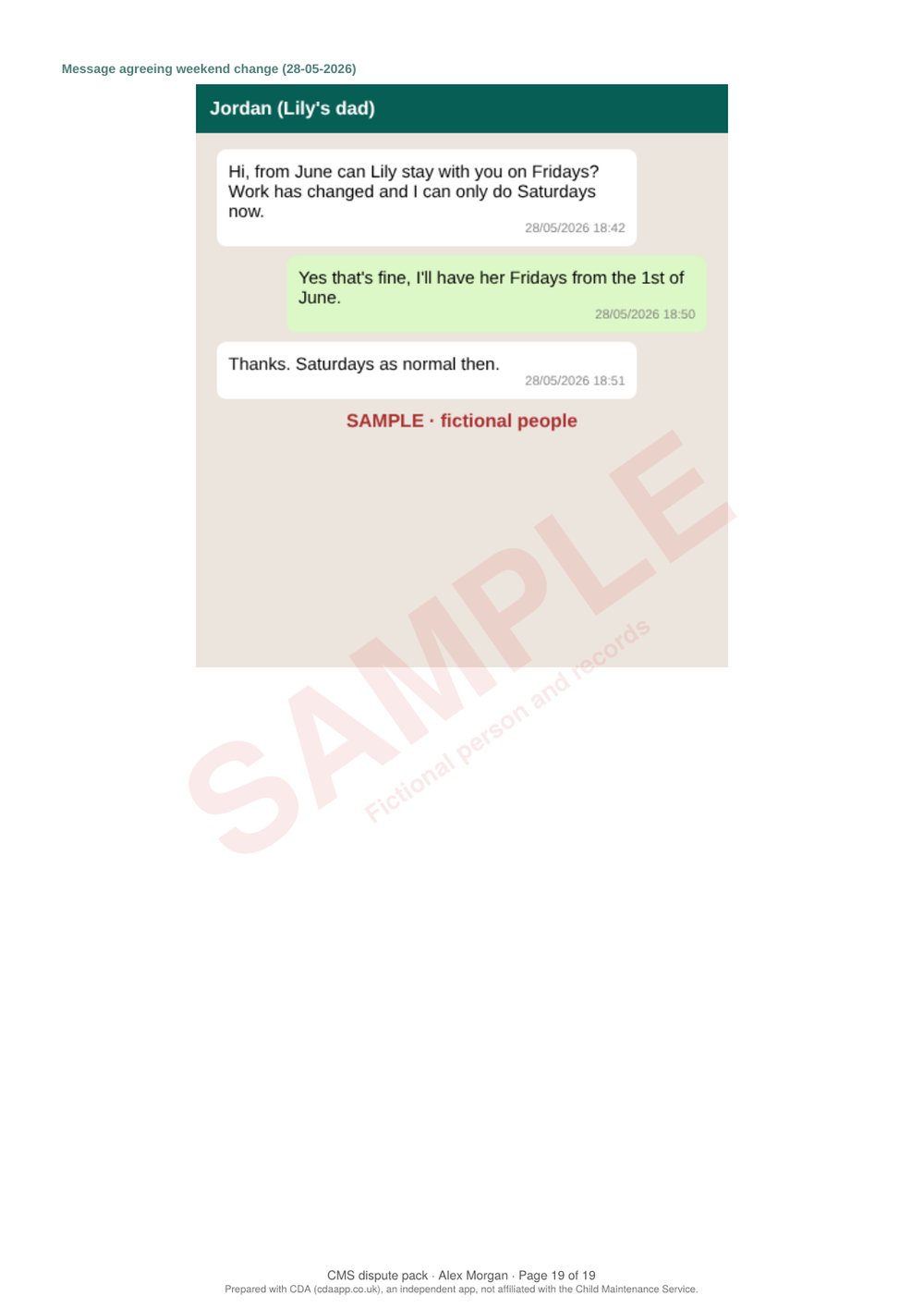
Page 1 of 19Front page and index. Your details, your statement in your own words, and an index so CMS or a tribunal can find each item by page number.Page 2 of 19Case timeline. Everything in date order: nights each month, problem payments, calls and documents. Here CDA has highlighted the date the other parent's nights dropped into a different CMS shared-care band.Page 3 of 19Timeline, continued.Page 4 of 19Overnight childcare schedule. Total nights with each parent, then every night listed. In the full pack this runs to page 14; those pages are left out of this sample.Page 15 of 19Payment statement. Totals, month by month, and every payment with its status, so a late, part or missed payment stands out.Page 16 of 19Payments, continued.Page 17 of 19Record of calls with CMS. Each call with the adviser's name, call reference, what was agreed and any follow-up date.Page 18 of 19Key dates. Deadlines, hearings and meetings from your CDA calendar.Page 19 of 19Documents. Your photos, screenshots and PDFs, each numbered in the index. PDFs, such as CMS letters, are joined in whole.
CDA is coming soon to Google Play. The pack uses your own records, so it's only as complete as what you've logged; CMS makes its own decision on your case. Questions? Email support@cdaapp.co.uk.